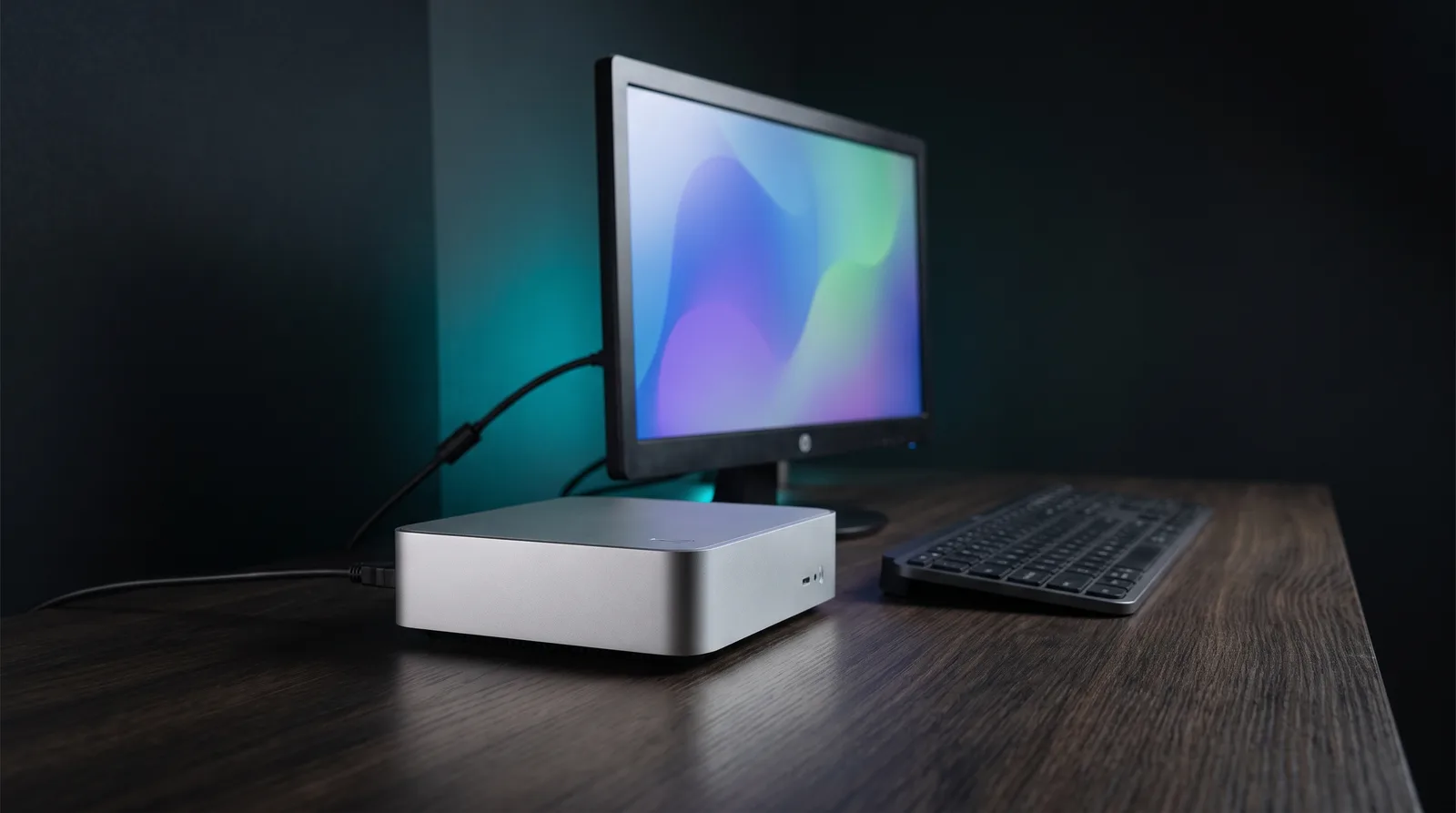
On September 18, 2026, Gravity Linux published an early alpha that boots a Fedora remix with KDE Plasma on Wayland on the 2024 base M4 Mac mini, with a working display controller and GPU driver. That puts a two-year-old Apple silicon generation on an accelerated Linux desktop, ahead of what the older Asahi project has reached for M3. Gravity Linux is a fork of Asahi Linux that targets accelerated Linux on Apple silicon, and its own release notes describe limited testing rather than daily-driver status. For local inference, however, the honest answer is smaller than the headlines: no engine has a published benchmark on it. In other words, the GPU work is graphics conformance, not a compute API.
We analyzed the release notes, the device support table and the project FAQ for this piece. In addition, we ran the one comparison that speaks to the reader question: what the same silicon does under Metal on macOS against Vulkan on Linux. We measured nothing on the alpha itself, because there is no compute driver there to measure.
What Gravity Linux actually shipped
The release is one device and one chip: the 2024 Mac mini with the base M4, not the M4 Pro. Meanwhile, the project still lists everything else in the M4 family as work in progress on its front page.
- Base: a Fedora remix, KDE Plasma on Wayland by default.
- Working: display controller (DCP) and GPU, with OpenGL ES 3.0 and OpenGL 3.3 compliance (announcement). In particular, OpenGL is a graphics rendering API, not a compute interface for inference.
- Install: one command from macOS:
curl -fsSL https://install.gravitylinux.org | shThe announcement is blunt about what does not work:
- Suspend is broken.
- Display output on the USB-C ports is broken (HDMI works).
- Similarly, Thunderbolt and USB4 do not work.
- Shutdown and reboot are flaky, with the power button as the fallback the project points to.
- Power management is incomplete, and the project caps the speaker volume for safety.
- There may be no upgrade path from this alpha to beta, so assume a full reinstall.
Notably, the project warns that the whole release has had very limited testing, and that it targets developers rather than daily use. One line is worth holding on to, because it defines the blast radius: "Every feature not listed here works and has been tested."
Nobody has published a local LLM test on it yet
This is the part the coverage skipped. As of September 27, 2026, we found no published run of llama.cpp, Ollama or MLX on the Gravity alpha. Specifically, there is no token-per-second figure, no model load and no failure report.
That said, there is indirect evidence that the testing has not happened. In fact, the announcement asks developers to "test real workloads, find bugs, contribute fixes", which is a call for exactly the benchmark that does not exist yet.
So what would each engine need, and what has anyone published?
| Engine | Acceleration on macOS | Acceleration path on Linux | Published result on the Gravity alpha |
|---|---|---|---|
| llama.cpp | Metal backend, covering Apple M1 through M4. | Vulkan backend, or CPU with ARM NEON. | None. |
| Ollama | Metal on Apple GPUs. | CUDA, ROCm or Vulkan. | None. |
| MLX | Metal on Apple silicon. | CUDA build or a CPU-only build; the GPU path is Metal. | None. |
Sources: the llama.cpp compute backend list, the Ollama hardware support page, and the MLX README.
Therefore, all three engines remain untested. Anything stronger than that, in either direction, goes beyond the sources.
OpenGL compliance is a graphics statement, not a compute statement
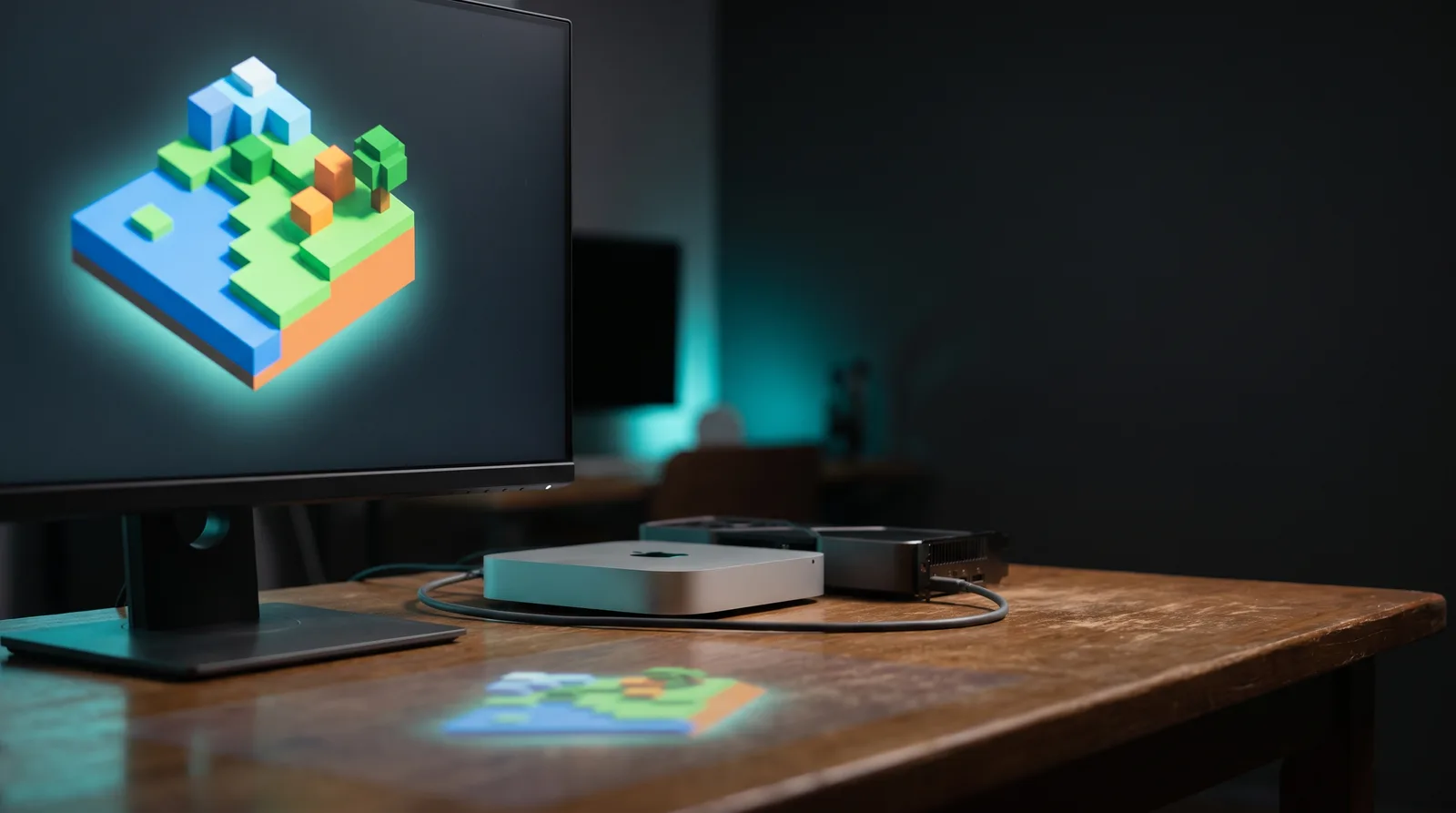
OpenGL ES 3.0 and OpenGL 3.3 are graphics APIs. Passing their conformance suites says the desktop, a browser and a game can render on the hardware. Minecraft is the proof the developer offers: project lead Cody Ho reports the driver running it at 200 frames per second on an M4 Mac mini (write-up).
That said, this is a real achievement, and it is not the same thing as GPU compute for inference. The write-up lists what is still missing, and the list is the answer to the question this article asks:
Vulkan 1.4, OpenGL 4.6, OpenGL ES 3.2, OpenCL 3.1, Direct3D 12 (via Proton), and ray tracing are all in scope.
In scope means planned, not shipped. In particular, Vulkan is the low-level graphics and compute API that serves as the GPU offload path on Linux. It is the one that matters most here: it is the backend llama.cpp uses for GPU offload, and one of the paths Ollama documents for Linux GPUs. As a result, an inference engine on this alpha is looking at CPU execution or nothing.
Two things this does not mean. Metal is Apple's graphics and compute API for macOS, and it does not exist on Linux at all. Similarly, the driver does not accelerate compute workloads. Consequently, the release notes and the write-up support neither claim.
What the Metal versus Vulkan gap looks like on the same silicon
The closest thing to a real answer comes from the other side of this fork. In December 2024, one of the Asahi Linux GPU driver developers opened a llama.cpp research issue. It compares Metal on macOS against Vulkan on Linux, on one M2 Max with 64GB, using llama.cpp build 4391 and a 7B Q4_K_M model (issue 10982).
| Backend | Prompt processing (pp512) | Token generation (tg128) |
|---|---|---|
| Metal on macOS | 580.26 tok/s | 61.18 tok/s. |
| Vulkan on Linux (Asahi Honeykrisp) | 92.16 tok/s | 21.93 tok/s. |
That is 6.3x slower prompt processing and 2.8x slower generation on the same chip, in the same build. Three caveats before anyone quotes it. The numbers are from 2024, and the machine is an M2 Max rather than an M4. The thread also notes that llama.cpp had done no performance tuning for Apple hardware on the Vulkan path at that point.
In other words, read it as a ceiling, not a verdict on Gravity. Nonetheless, even with a mature community Vulkan driver, Linux on Apple silicon was leaving roughly two thirds of Metal's decode speed on the table. The Gravity alpha has no Vulkan driver at all, so there is nothing yet to measure.
Which Mac mini configs this covers
Gravity names the device, not a memory tier. Consequently, no source says whether the project exercised the 16GB, 24GB and 32GB Mac minis equally. What we can verify is the device status and the chips underneath it.
| Mac mini (2024) config | Chip | Unified memory | Memory bandwidth | Gravity Linux status |
|---|---|---|---|---|
| Base | M4 | 16GB | 120 GB/s | Alpha. |
| Base | M4 | 24GB | 120 GB/s | Alpha. |
| Base | M4 | 32GB | 120 GB/s | Alpha. |
| Pro | M4 Pro | 24GB, 48GB, 64GB | 273 GB/s | Work in progress. |
Chip specs from Apple. Device statuses from the Gravity Linux device support table.
On the macOS side of the same hardware, the memory tiers map to model sizes cleanly. In our experience a 16GB Mini leaves about 10-12GB for a model after macOS and normal apps, which is the ceiling for roughly 13B parameters at Q4. Meanwhile, the 24GB tier leaves about 19-20GB and handles 20B cleanly, with 27B at a tight fit. Q4_K_M costs roughly 0.6GB per billion parameters, which is the arithmetic behind both rows. For example, our M4 16GB tier guide and M4 24GB tier guide cover the model picks per tier, and the 35B-in-16GB mmap workflow covers the one case where a Mini runs far above its weight class.
None of that is available on the alpha today. It is the reason to care about the alpha at all: same silicon, same memory, different software stack.
What the newer Macs do and do not get
- The project describes M5 and M6 hardware as in scope. Nothing ships for them today, and no source claims otherwise.
- In addition, the team owns a MacBook Neo, an M5 MacBook Air and an M4 Mac mini, according to the project FAQ.
- Specifically, an Apple firmware problem on macOS 27.0 Beta 5 blocks M5 Pro and M5 Max, because it stops secondary CPU cores from starting. The project is waiting on Apple, and it says the same problem holds back the rest of the M5 line.
- Nobody on the team owns an M6, so there is no schedule for it.
- Every M4 device other than the base Mac mini, including the M4 Pro mini and all M4 MacBooks, is work in progress.
Headless inference: what the missing features cost you
The M4 Mac mini is a popular inference node because it is small, silent and always on. Judged against that job, the alpha has three specific problems.
1. No suspend and incomplete power management. However, an always-on box does not need suspend every day, and the release notes still list it as a known gap. The conservative speaker caps suggest an unfinished platform.
2. Flaky shutdown and reboot. Long-running inference nodes reboot on kernel updates and driver changes. Therefore, the project recommends the power button as the workaround.
3. No upgrade path to beta. For instance, beta wipes your test machine when it lands, which is fine for a spare and not fine for the box serving your editor.
HDMI output works, so a headless or single-display setup is possible. USB-C display output is the broken path, which rules out a single-cable USB-C monitor.
So should you install it on the Mac mini that serves your models? Not today. Verdict for the reader with one Mac mini: keep macOS. Metal on macOS remains the faster, supported path for local models today, and the alpha gives you nothing in return except early access.
Why the fork happened, in one paragraph
Gravity Linux forked from Asahi Linux over generative AI policy. Asahi's stated position is that "we broadly forbid the use of generative AI tooling for material contributions to Asahi Linux", citing clean-room and legal risk (policy). Gravity permits LLM use under a tainting rule. If a model session has seen disassembly or other protected implementation details of an Apple component, the project treats that contributor as tainted for that component, and they cannot write the clean-room implementation (policy). Ho previously worked at Apple and OpenAI, and The Register's coverage credits coding agents with compressing months of driver work into weeks. Notably, the same article adds the caveat worth repeating: this is a demonstration of what AI-assisted reverse engineering can do, not a controlled experiment proving that Asahi's policy is what held progress back.
Upstream is what decides whether you ever run this
Ho's write-up is direct about the remaining work. In addition, the Mesa side reuses Asahi's unmodified userspace API, so there is no policy obstacle, but it needs "far more testing, human review, and to be refactored into a reviewable PR". In contrast, the kernel half is worse: the M1 and M2 driver is not upstream yet, and Gravity plans to upstream its M4 driver only after that lands. His own summary is that this may be a while.
For a reader, that means one thing. Even if the team fixes every missing feature next month, the code still has to clear kernel review before a normal distro ships it. The alpha is a hardware bring-up milestone, not a distribution you will dnf upgrade into.
What to do today
- Stay on macOS for inference. Our Ollama install guide covers the fastest path, speculative decoding covers the cheap speed win, and the 35B mmap setup covers the over-RAM case.
- If you own a spare M4 Mac mini and want to contribute, the alpha is the cheapest way to run real M4 driver code today. Do not install it on your only machine, and read the upgrade warning twice.
- Watch two milestones: the beta, which the project says will remove most of the current limits, and the M1 and M2 kernel driver landing upstream. Both have to happen before Linux is a serious inference host on this hardware.
FAQ
Can I run Ollama on Gravity Linux on an M4 Mac mini?
No. We found no published test. Ollama accelerates on Apple GPUs through Metal. On Linux, however, it needs CUDA, ROCm or Vulkan. Because the alpha has no Vulkan driver, GPU-accelerated Ollama is unlikely today, but that is an inference from the spec sheets rather than a measurement.
Does the new GPU driver make local models faster?
Nothing published supports that claim. OpenGL ES 3.0 and OpenGL 3.3 compliance is a graphics statement, and the compute APIs that inference engines use, Vulkan, OpenCL and Metal, are not shipped on this alpha. Metal does not exist on Linux at all.
Will this work on my M4 Pro Mac mini or my M4 MacBook Pro?
Not today. Only the 2024 Mac mini with the base M4 chip is at alpha. The project marks the M4 Pro Mac mini, every M4 MacBook and both M4 Max configurations as work in progress.
Is the alpha usable as a headless inference server?
Not recommended. Suspend does not work, shutdown and reboot are flaky, power management is incomplete, and there may be no upgrade path to beta. Consequently, a machine that will be wiped and cannot be rebooted reliably is a bad host for a model server.
Does Metal exist on Linux?
No. Metal is Apple's macOS graphics and compute API. In contrast, the GPU path for llama.cpp and Ollama on Linux is Vulkan, which is exactly what this alpha lacks.
Related: M6 Mac mini local LLM guide for what the next generation changes, Ollama on Mac setup for the supported path today, 35B on a 16GB M4 Mini for over-RAM workflows, and speculative decoding on Mac for throughput on Metal.
Every figure in this article comes from a source we link in the text, and each ratio is our own arithmetic on those published columns. How we work: about ModelFit. Corrections welcome: contact.Match this model to a machine that can run it: by RAM tier for Apple Silicon, or by VRAM for an NVIDIA GPU.
The weekly local-AI refresh
New open-weight models, real Apple Silicon benchmarks, and the one model worth running on your Mac this week. Free, one email a week, unsubscribe anytime.
By subscribing you agree to our Privacy Policy and to receive the weekly email. Unsubscribe anytime.
Have questions? Reach out on X/Twitter