TL;DR: Claude Code can drive a local model through LiteLLM plus llama-server. Per @sudoingX, a 2x RTX 3090 rig (48GB VRAM) ran Qwen3-Coder-Next (80B MoE, 3B active) at 46 tokens per second, against 1.3 tok/s on a single card. The key tricks: ANTHROPIC_AUTH_TOKEN, 32K+ context, and mapping every model name.
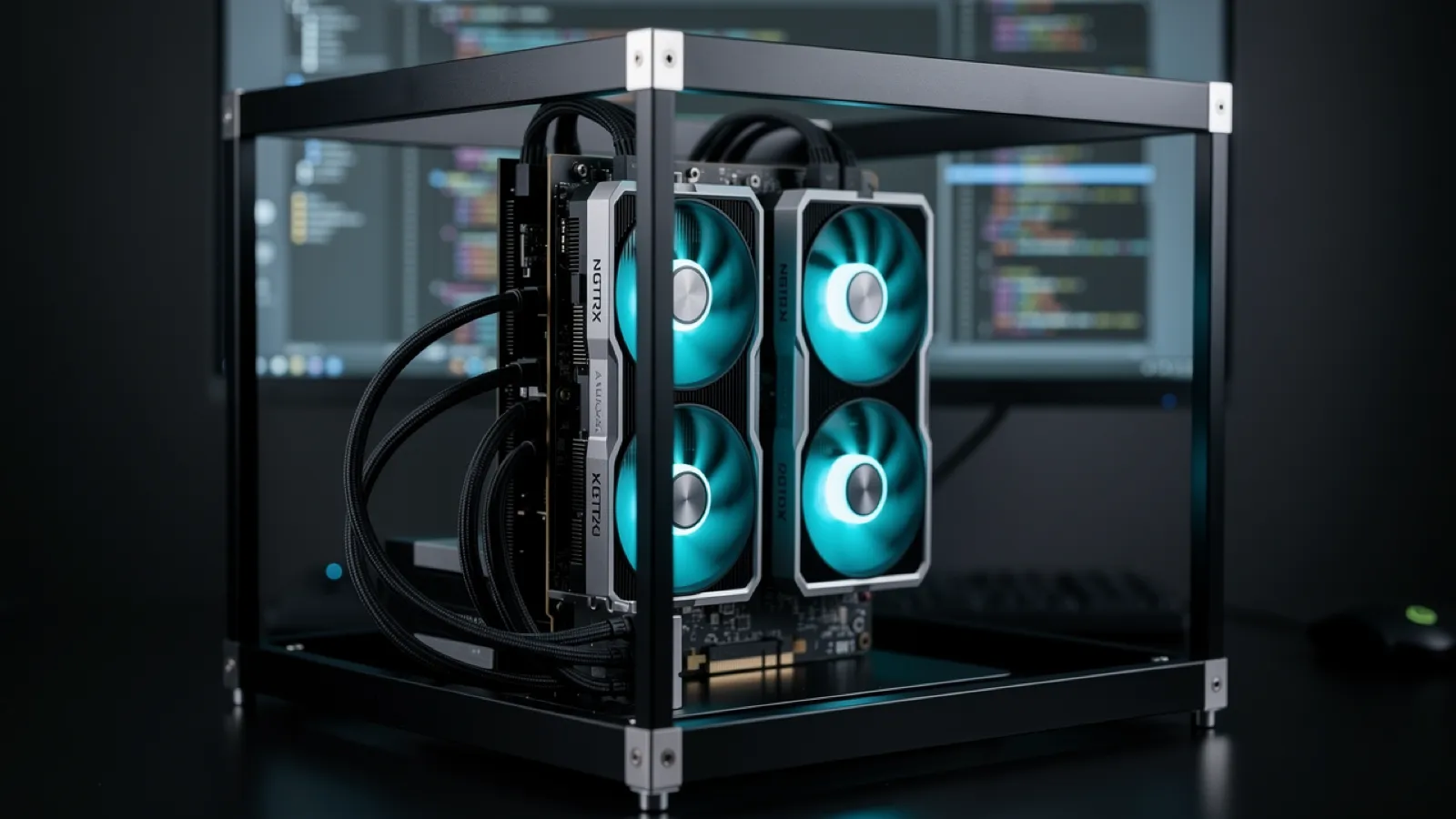
Want to use Claude Code without Anthropic's API? Here is how @sudoingX wired it to a local Qwen model, and what the setup actually needs. Every speed figure below is his, linked to the post it came from. ModelFit ran no benchmarks for this guide.
What Hardware Does It Take?
The binding constraint is VRAM. Qwen3-Coder-Next at Q4_K_M is roughly 45 GiB of weights (unsloth GGUF repo), so a single 24GB card cannot hold it and spills layers to system RAM.
| Setup | Reported result | Source |
|---|---|---|
| 1x RTX 3090 (24GB) | 1.3 tok/s, choking on CPU offloading | @sudoingX, Feb 20 |
| 2x RTX 3090 (48GB) | 46 tok/s, model held fully in VRAM | @sudoingX, Feb 27 |
Get told when a better model fits your MacBook Air M5 16 GB
One email when a new open-weight model is a better fit for your machine, plus the Thursday weekly.
For: MacBook Air M5 16 GB
You'll also get the weekly ModelFit email. By signing up you agree to our Privacy Policy. Unsubscribe from either email anytime, in one click.
That gap is the whole story: the model either fits in VRAM or it does not, and the difference is roughly an order of magnitude in throughput.
Why 3090s? They are the sweet spot for VRAM per dollar on the used market. Two cards give you 48GB, enough to hold a Q4 quant of an 80B MoE model.
Why Qwen3-Coder-Next?
Per the official model card:
- Total params: 80B
- Active params: 3B per token
- Architecture: Mixture of Experts (512 experts, 10 activated, 1 shared)
- Context: 262,144 tokens natively
- Quantization used here: Q4_K_M, roughly 45 GiB
The magic is in the sparse activation. You are not computing 80B parameters every token, only 3B. This shifts the bottleneck from compute to memory bandwidth, which is why holding the weights in VRAM matters so much more than raw core count.
How Does the Stack Fit Together?
Claude Code → LiteLLM → llama-server → 2x RTX 3090
(Anthropic API)   (Translation)    (Inference)
1. llama-server
Exposes an OpenAI-compatible API locally. This is your inference engine. It loads GGUF files directly, with no conversion step, which is why it is the path of least resistance for quantized MoE weights (llama.cpp).
2. LiteLLM
The translator. Converts Anthropic's Messages API format to OpenAI's Chat Completions format.
3. The Environment Hack
ANTHROPIC_BASE_URL=http://localhost:4000 \
ANTHROPIC_AUTH_TOKEN=local \
claude
Critical: Use ANTHROPIC_AUTH_TOKEN (not ANTHROPIC_API_KEY) to bypass Anthropic's server validation.
What Did It Actually Build?
Given a single prompt asking for an interactive particle simulation, the local model wrote 564 lines covering a physics engine, mouse gravity, collision detection and a connection mesh, and it worked first try. Follow-up prompts added trails, click explosions, gravity wells and bloom effects (@sudoingX, Feb 21).
That is the useful signal: not a benchmark score, but a single-prompt build that ran without hand-fixing, driven entirely by a model on the desk.
What If the Model Does Not Fit?

If you only have one card, llama.cpp can keep attention layers on the GPU and push MoE expert FFN weights to the CPU, using --cpu-moe or a hand-written -ot tensor override. Since only a handful of the 512 experts fire per token, the CPU does comparatively little work. It is still far slower than holding everything in VRAM, as the single-card figure above shows. The llama.cpp MoE offload guide walks through the flag patterns.
Treat expert offloading as the fallback that makes a too-big model usable, not as a way to match a rig that fits the weights outright.
The Gotchas
Context Window
Claude Code ships a long system prompt and re-sends it every turn. Plan for 32K context minimum, and run 128K if you want the agent reading several files at once.
Model Name Mapping
Claude Code sends requests to multiple model names:
claude-sonnet-4-6claude-haiku-4-5-20251001- Others depending on task
Map all of them in LiteLLM's config or requests will 404.
Node.js Version
Claude Code needs Node.js v20+. The default v12 on many Linux containers causes silent SyntaxErrors.
The Auth Token Trick
ANTHROPIC_API_KEY→ Validates against real servers (fails)ANTHROPIC_AUTH_TOKEN→ Bypasses validation (works)
Prefill vs Generation: The Hidden Bottleneck
Two different costs, two different limits. Prefill (ingesting the prompt) processes tokens in a large batch and leans on compute and interconnect throughput. Generation emits one token at a time and is bound by memory bandwidth.
That distinction matters for agent work specifically. A chat turn sends a short prompt; a coding agent re-sends a long system prompt plus file contents on every single turn. So prefill time, not generation speed, is often what you feel while waiting.
The Verdict
Is the local inference stack ready for real agent work? For a rig that can hold the weights, yes.
- The model handled a single-prompt build that ran first try
- Two used 3090s are enough to hold an 80B MoE at Q4
- Tooling works if you know where to push
- The optimization surface is barely explored
Related: See our DeepSeek-V3 vs Qwen 3.5 comparison for Mac-specific numbers, or check the best models for MacBook Pro. New to Ollama? Start with our setup guide.
Frequently Asked Questions
Can I run Claude Code on a Mac with Apple Silicon?
Yes, but the approach differs from the NVIDIA setup. On a Mac Studio with 128GB unified memory, you can run Qwen3-Coder-Next through llama.cpp or Ollama. Apple Silicon has less memory bandwidth than a pair of 3090s, so expect lower throughput. See our MacBook Pro recommendations for models sized to your machine.
What is the minimum hardware for running Claude Code locally?
For Qwen3-Coder-Next at Q4_K_M you need enough VRAM or unified memory to hold roughly 45 GiB of weights, plus headroom for the KV cache. Two RTX 3090s give 48GB and clear that bar. Anything smaller means offloading experts to CPU, which works but costs a lot of speed. Smaller coding models are the better trade on a single card.
Why use LiteLLM instead of calling llama-server directly?
Claude Code sends requests in Anthropic's Messages API format. LiteLLM translates these to OpenAI's Chat Completions format that llama-server understands. Without this translation layer, Claude Code can't communicate with local models.
What speed should I expect for local Claude Code?
Per @sudoingX, two RTX 3090s holding Qwen3-Coder-Next entirely in VRAM ran at 46 tokens per second, while a single 3090 forced into CPU offloading dropped to 1.3 tok/s. On Apple Silicon, ModelFit estimates 15 to 40 tok/s depending on model size and memory bandwidth. For comfortable agent work, treat 20 tok/s as the floor.
Is the quality comparable to Claude Sonnet?
On the one task documented here it produced a working 564-line particle simulation from a single prompt, then iterated on it cleanly. That is real capability, but it is one task, not a benchmark. Cloud models still lead on complex multi-step reasoning, and no published head-to-head score backs a stronger claim than that.
Sources
- @sudoingX, Feb 20, 2026: 1.3 t/s on a single 3090, 46 tokens per second on 2x 3090s with 48GB VRAM
- @sudoingX, Feb 21, 2026: the 564-line particle simulation and the iteration pass
- @sudoingX, Feb 27, 2026: Qwen3-Coder-Next (80B) on 2x 3090s at 46 tok/s
- Qwen3-Coder-Next model card: parameter counts, expert layout, context length
- unsloth Qwen3-Coder-Next GGUF: Q4_K_M file size
- Qwen Models: Best local coding models, including Qwen3-Coder
- DeepSeek Models: Chain-of-thought reasoning for debugging
Try modelfit.io to find the best local models for your exact hardware setup.
Don't miss the next one for your MacBook Air M5 16 GB
This article covers one moment. Get one email when a newer open-weight model fits your machine better, plus the Thursday weekly with what changed.
For: MacBook Air M5 16 GB
You'll also get the weekly ModelFit email. By signing up you agree to our Privacy Policy. Unsubscribe from either email anytime, in one click.
Match this model to a machine that can run it: by RAM tier for Apple Silicon, or by VRAM for an NVIDIA GPU.
See how this changes your recommendation
Run the wizardHave questions? Reach out on X/Twitter