Local LLM Speed Test
Real tokens/sec from readers' Macs and GPUs, grouped by model. A machine is only ranked against others on the same model, with the same prompts.
- Machines
- 25
- Runs
- 46
- Fastest on Qwen3.8 27B
- 99.4 tok/sApple M5 Ultra, 64-core GPU
Run the speed test
$ npx @modelfit/cli@latest benchNo Node?
brew tap modelfit-io/tap,brew trust modelfit-io/tap,brew install modelfit, then runmodelfit bench. The first run downloads the test model it picks (about 3 to 17 GB).Get your card
Your tok/s, your machine and your rank among the machines on the same model.
Post it on X and tag @modelfit_
Your result page has a Post on X button. Give your X handle and the card shows it.
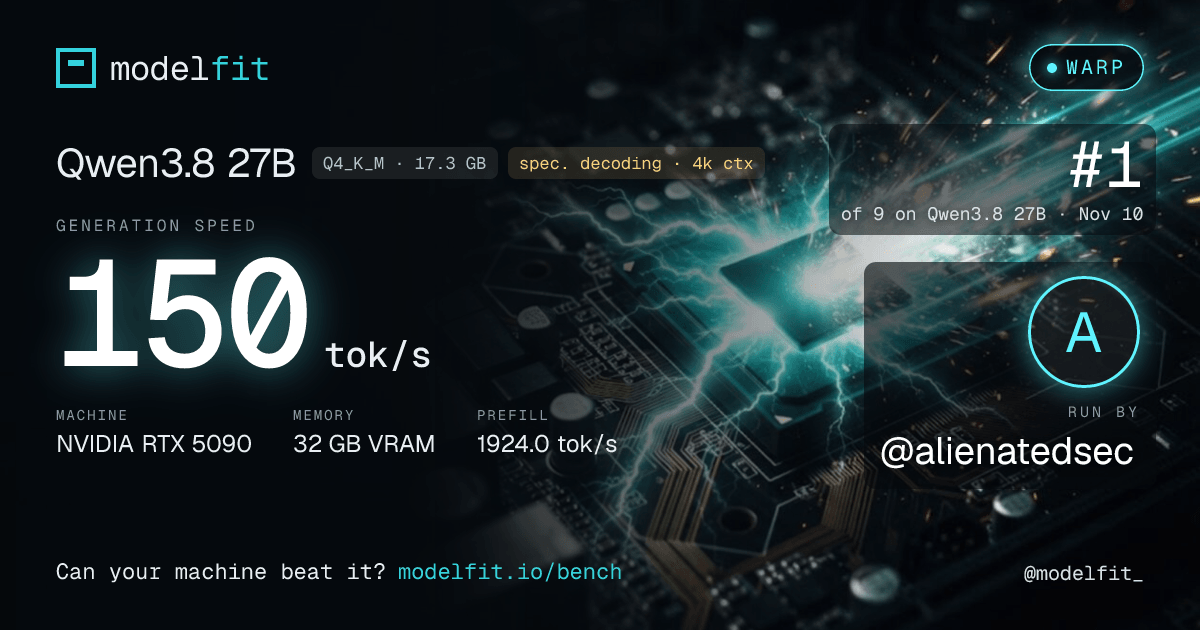
It proposes the biggest test model your machine runs well, shows your result and asks before sending anything: machine type, memory, Ollama version and timings, plus your X handle if you give one (your card then shows it with your X profile picture). No name, no email, no files.
Method: Ollama, a warm-up, then 3 prompts of about 500 tokens, 256 generated tokens each, 4k context, temperature 0. A row is the median of that machine's runs. Needs Ollama.
Measured speed by model
median tok/s| # | Machine | Memory | Decode | Prefill | Runs |
|---|---|---|---|---|---|
| Qwen3.8 27B qwen3.8:27b · 11 machines | |||||
| 1 | Apple M5 Ultra, 64-core GPUMLXspec. decoding · 4k ctxnvfp4 MLX · 18.5 GB | 96 GB | 99.4 tok/s | 731.1 tok/s | 1 |
| 2 | Apple M5 Max, 40-core GPUMLXspec. decoding · 4k ctxnvfp4 MLX · 18.5 GB | 128 GB | 71.3 tok/s | 248.6 tok/s | 1 |
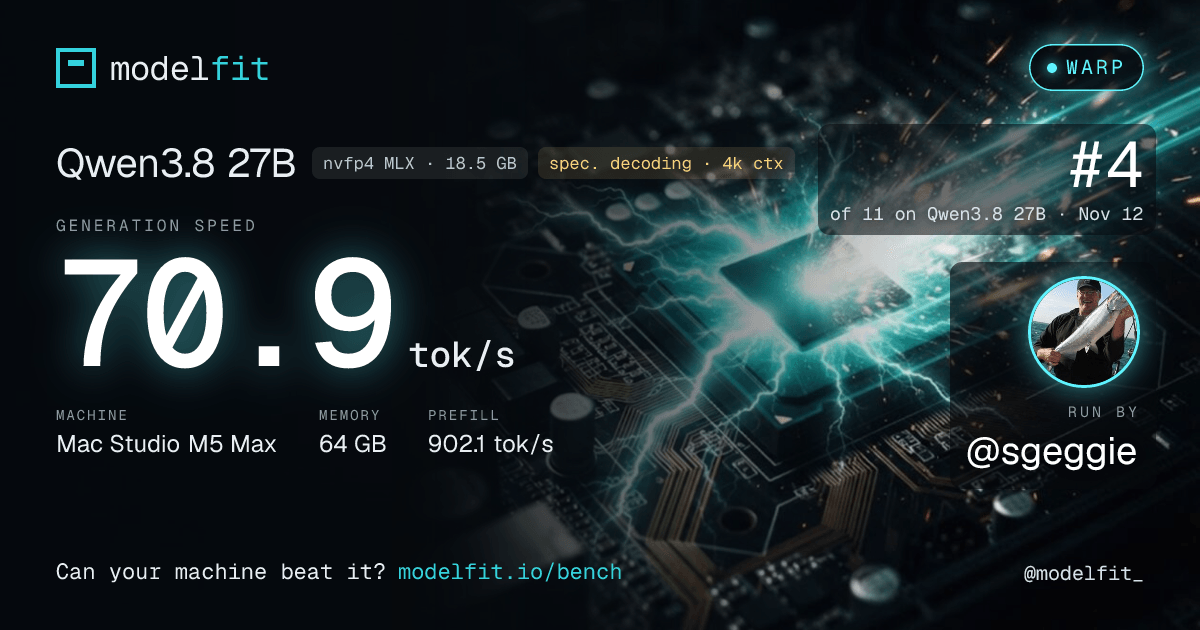
| 3 | Apple M5 Max, 40-core GPUMLXspec. decoding · 4k ctxnvfp4 MLX · 18.5 GB | 64 GB | 70.9 tok/s | 902.1 tok/s | 1 |
| 4 | Apple M4 Max, 40-core GPUMLXspec. decoding · 4k ctxnvfp4 MLX · 18.5 GB | 64 GB | 49.7 tok/s | 220.7 tok/s | 2 |
| 5 | Apple M2 Ultra, 60-core GPUMLXspec. decoding · 4k ctxnvfp4 MLX · 18.5 GB | 128 GB | 43.0 tok/s | 204.5 tok/s | 1 |
| 6 | Apple M5 Pro, 20-core GPUMLXspec. decoding · 4k ctxnvfp4 MLX · 18.5 GB | 48 GB | 37.8 tok/s | 449.3 tok/s | 2 |
| 7 | Apple M4 Pro, 20-core GPUMLXspec. decoding · 4k ctxnvfp4 MLX · 18.5 GB | 48 GB | 31.7 tok/s | 138.4 tok/s | 2 |
| 8 | Apple M2 Max, 30-core GPUMLXspec. decoding · 4k ctxnvfp4 MLX · 18.5 GB | 64 GB | 25.3 tok/s | 139.9 tok/s | 1 |
| 9 | Apple M1 Max, 24-core GPUMLXspec. decoding · 4k ctxnvfp4 MLX · 18.5 GB | 64 GB | 14.5 tok/s | 89.9 tok/s | 1 |
| 10 | Apple M5 Max, 32-core GPUclassicQ4_K_M · 17.3 GB | 36 GB | 13.1 tok/s | 202.1 tok/s | 1 |
| 11 | Apple M1 Max, 32-core GPUMLXspec. decoding · 4k ctxnvfp4 MLX · 18.5 GB | 32 GB | 11.7 tok/s | 70.8 tok/s | 1 |
| Qwen3.5 9B Instruct qwen3.5:9b · 5 machines | |||||
| 1 | Apple M3 Ultra, 60-core GPUMLXnvfp4 MLX · 7.7 GB | 96 GB | 126.2 tok/s | 1107.3 tok/s | 1 |
| 2 | Apple M5 Ultra, 64-core GPUQ4_K_M · 5.5 GB | 96 GB | 125.0 tok/s | 3086.4 tok/s | 1 |
| 3 | Apple M2 Pro, 16-core GPUMLXnvfp4 MLX · 7.7 GB | 16 GB | 32.7 tok/s | 258.6 tok/s | 1 |
| 4 | Apple M1 Pro, 16-core GPUMLXnvfp4 MLX · 7.7 GB | 16 GB | 29.9 tok/s | 240.5 tok/s | 1 |
| 5 | Apple M2, 10-core GPUMLXnvfp4 MLX · 7.7 GB | 16 GB | 4.9 tok/s | 50.1 tok/s | 1 |
| Qwen3.5 4B Instruct qwen3.5:4b · 4 machines | |||||
| 1 | Apple M1 Max, 24-core GPUMLXnvfp4 MLX · 4.1 GB | 64 GB | 52.1 tok/s | 550.4 tok/s | 1 |
| 2 | Apple M4, 10-core GPUMLXnvfp4 MLX · 4.1 GB | 16 GB | 27.7 tok/s | 410.0 tok/s | 3 |
| 3 | Apple M2, 10-core GPUMLXnvfp4 MLX · 4.1 GB | 16 GB | 23.0 tok/s | 229.2 tok/s | 1 |
| 4 | Apple M1, 7-core GPUMLXnvfp4 MLX · 4.0 GB | 8 GB | 10.2 tok/s | 110.9 tok/s | 1 |
| Flint 40B-A2.5B flint:40b · 1 machine | |||||
| 1 | Apple M4 Pro, 20-core GPUMLXint4 MLX · 22.6 GB | 48 GB | 100.1 tok/s | 942.8 tok/s | 1 |
| Qwen3.6 35B-A3B qwen3.6:35b-a3b · 2 machines | |||||
| 1 | Apple M2 Max, 38-core GPUMLXnvfp4 MLX · 23.2 GB | 64 GB | 101.0 tok/s | 888.7 tok/s | 1 |
| 2 | Apple M4 Pro, 20-core GPUMLXQ4_K_M · 22.0 GB | 48 GB | 80.5 tok/s | 771.2 tok/s | 4 |
| Nemotron 3.5 Lightning 30B-A3B nemotron-3.5-lightning:30b · 1 machine | |||||
| 1 | Apple M2 Max, 38-core GPUMLXnvfp4 MLX · 19.2 GB | 64 GB | 96.4 tok/s | 828.8 tok/s | 1 |
| Gemma 4 26B-A4B gemma4:26b · Q4_K_M · 1 machine | |||||
| 1 | Apple M6, 12-core GPU | 32 GB | 59.3 tok/s | 1027.8 tok/s | 1 |
| LFM2.5 8B-A1B lfm2.5:8b-a1b-q4_K_M · Q4_K_M · 1 machine | |||||
| 1 | Apple M2, 10-core GPU | 16 GB | 58.2 tok/s | 568.5 tok/s | 1 |
| NVIDIA Nemotron 3.5 Bolt E4B nemotron-3.5-bolt:e4b · 1 machine | |||||
| 1 | Apple M2, 10-core GPUMLXnvfp4 MLX · 7.2 GB | 16 GB | 23.6 tok/s | 264.8 tok/s | 1 |
| Qwen2.5 1.5B Instruct qwen2.5:1.5b-instruct-q4_K_M · Q4_K_M · 6 machines | |||||
| 1 | Apple M5 Max | 128 GB | 251.0 tok/s | - | 3 |
| 2 | Apple M4 Pro | 48 GB | 166.7 tok/s | - | 1 |
| 3 | Apple M1 Max | 64 GB | 115.6 tok/s | - | 1 |
| 4 | Apple M4 | 16 GB | 71.3 tok/s | - | 1 |
| 5 | Apple M1 Pro | 32 GB | 65.9 tok/s | - | 3 |
| 6 | Apple M1 | 8 GB | 51.1 tok/s | - | 2 |
Rows are ranked within their model only; the bar compares a machine with the fastest one on the same model. Decode is generation speed, prefill is prompt processing, both as Ollama reports them. Offload: part of the model ran outside GPU memory, which slows decode. MLX: Ollama ran its MLX build of the model instead of the GGUF file. Spec. decoding: the run decoded speculatively (several tokens per pass over the weights, at the CLI's 4k context), so it is ranked apart from classic runs of the same machine, which get their own row. A run faster than the machine's memory bandwidth allows for its model stays off the table. The Qwen2.5 1.5B Instruct group also keeps single-prompt runs from CLI 1.5.2 to 1.6, which report no prefill.
Latest cards
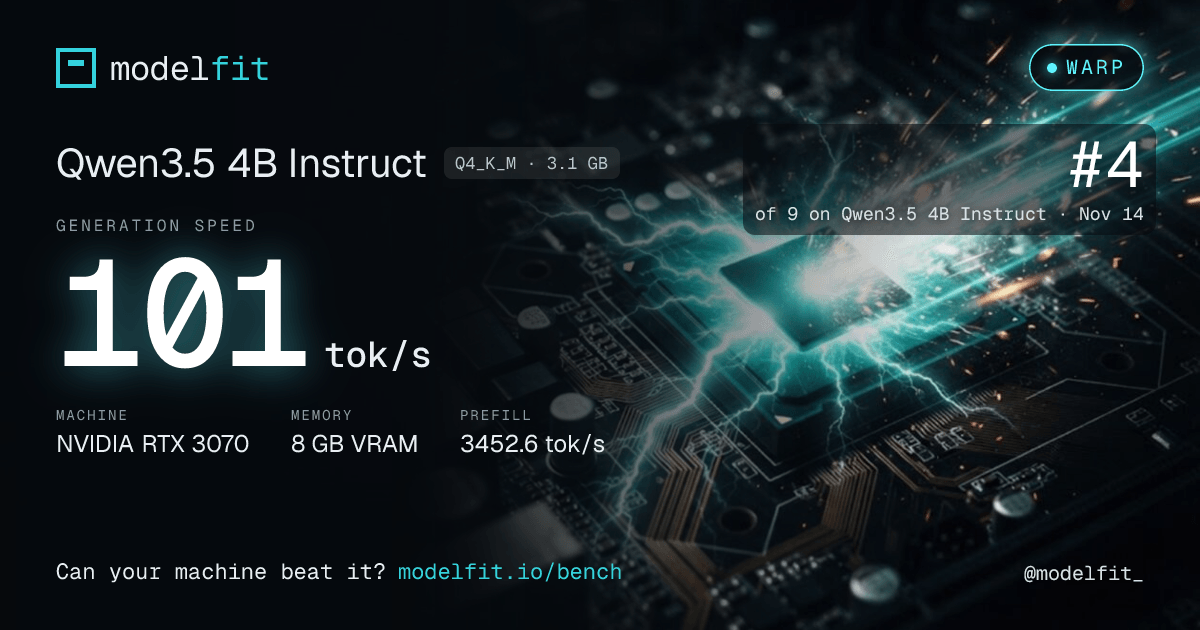
one per machine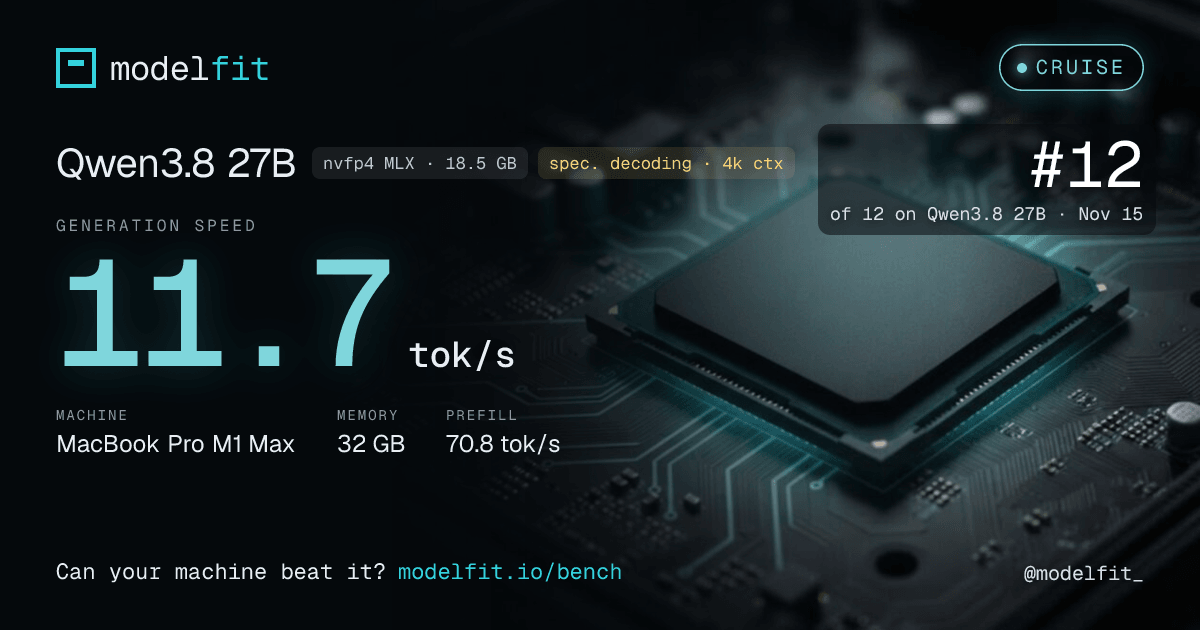
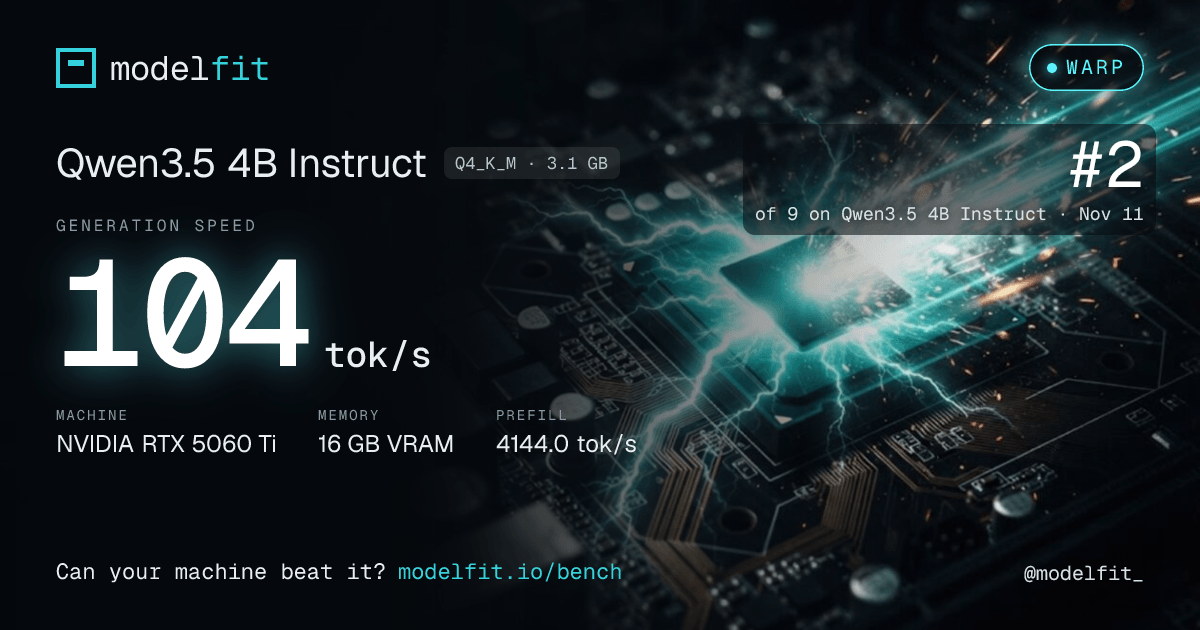
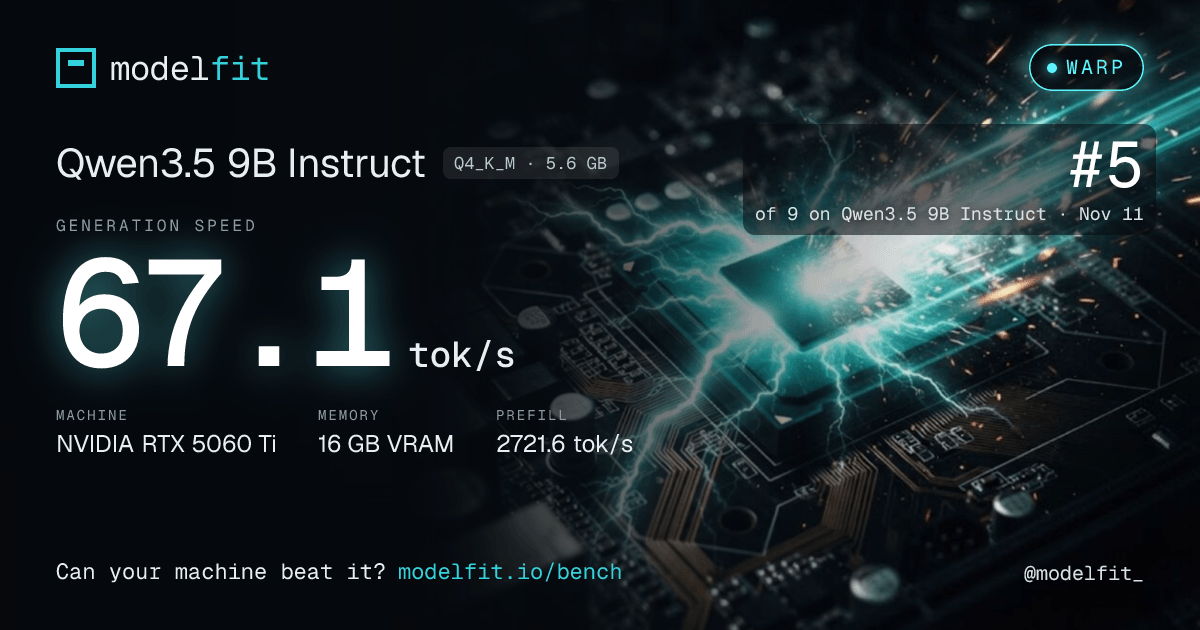
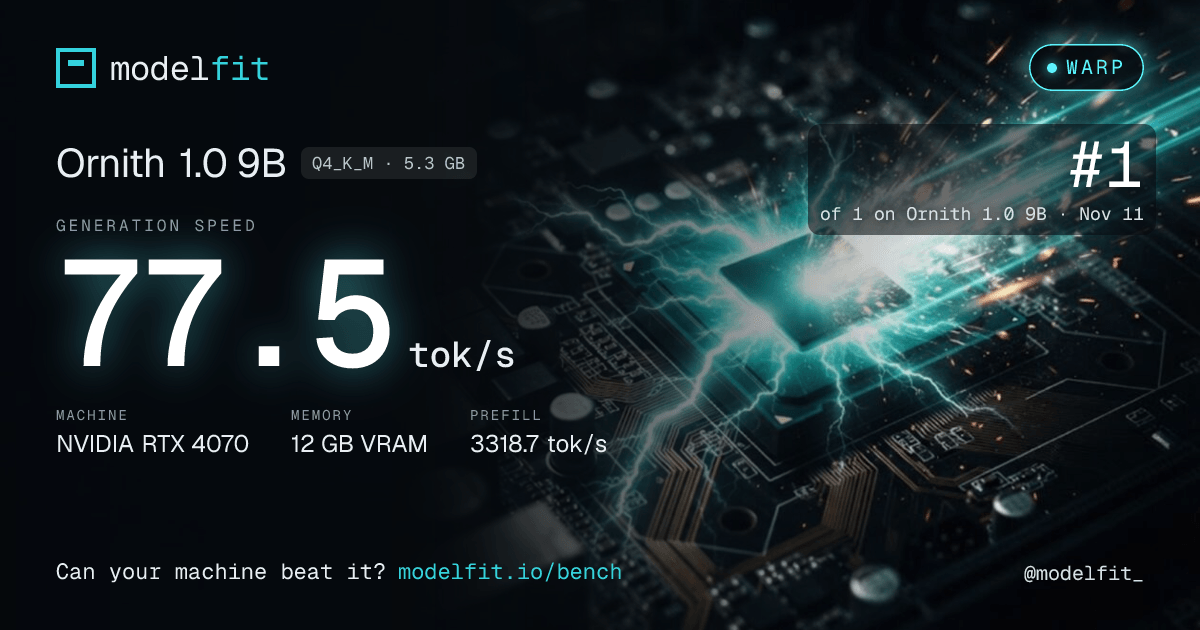
How is this different from the speeds elsewhere on ModelFit?
The configurator, device pages and guides show estimated tokens/sec computed from memory bandwidth and model size. This table holds measurements: the same model, prompts and settings on every machine of a group. Where your machine and model have a row, the configurator shows the measured speed next to the estimate. The data is open: JSON export (CC BY 4.0). For quality scores, see the benchmark.