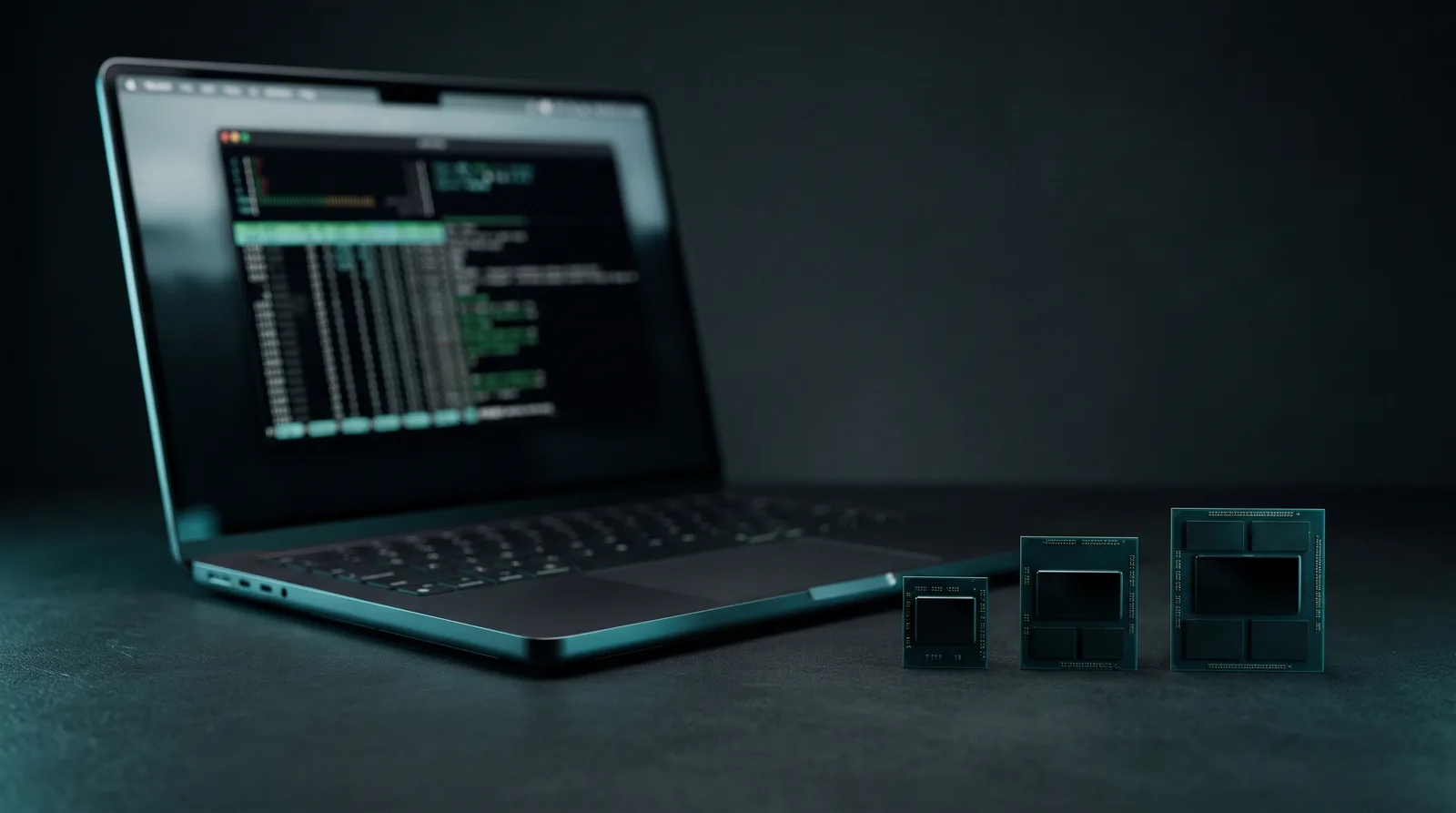
For local AI, buy the 32GB 14-inch MacBook Pro M6. Apple lists the 16GB config at 153GB/s of memory bandwidth and the 24GB and 32GB configs at 170GB/s (Apple, 2026). The 16GB model runs 9B to 12B models well. The 24GB model loads 26B MoE models with almost no room left. The 32GB model runs them comfortably and adds the 35B MoE class, such as Qwen3.6 35B-A3B at roughly 59 tok/s est.
Apple announced the laptop on October 27, with preorders from October 28 and availability starting Friday, November 6, from $1,999 (Apple Newsroom, 2026). Memory caps at 32GB. There is no larger tier on the M6 chip.
What does the M6 change for local AI?
The M6 brings more memory bandwidth on two of its three configs and faster prompt reading. Apple's spec page lists a 12-core CPU, a 12-core GPU with Neural Accelerators, and "up to 170GB/s memory bandwidth" (Apple, 2026). Bandwidth sets how fast a loaded model writes tokens, so the configs differ in speed as well as capacity.
Apple claims the 14-inch MacBook Pro M6 delivers up to 1.3x faster time to first token for LLM prompt processing than the 14-inch MacBook Pro M5 (Apple Newsroom, 2026). The same release claims up to 25 percent faster on-device AI workloads, like LLM prompt processing, versus M5. These are Apple's claims from its own testing. ModelFit has not run them.
What the claims mean in practice: a long prompt, a pasted document or a code file gets read faster before the first word appears. Token generation after that still follows bandwidth, which is why the memory config matters more than the chip name.
How much memory can a model actually use?
About 70% of system RAM. The ModelFit engine keeps the rest for macOS, your browser and the context cache, which gives roughly 11GB on the 16GB config, 17GB on 24GB and 22GB on 32GB. A model that loads past that budget swaps, and a swapping model is unusable.
Here is the budget per config. Bandwidth is Apple's figure for each memory config, and the list prices are Apple's for the 1TB model of each tier.
| Config | Bandwidth | Model budget | Apple price |
|---|---|---|---|
| 16GB | 153GB/s | ~11GB | $1,999 |
| 24GB | 170GB/s | ~17GB | $2,199 |
| 32GB | 170GB/s | ~22GB | $2,399 |
Get told when a better model fits your MacBook Pro M6 16 GB
One email when a new open-weight model is a better fit for your machine, plus the Thursday weekly.
For: MacBook Pro M6 16 GB
You'll also get the weekly ModelFit email. By signing up you agree to our Privacy Policy. Unsubscribe from either email anytime, in one click.
The 24GB and 32GB configs list at $2,199 (Apple Store, 2026) and $2,399 (Apple Store, 2026). Each step up costs $200. The full sizing rule is in the RAM guide for local LLMs.
What runs on the 16GB MacBook Pro M6?
Dense models up to about 12B and small MoE models. The 16GB config has the lowest bandwidth of the three, 153GB/s, so dense models run a little slower than on the bigger tiers. The engine's top picks all load in 8GB or less and leave room for a long chat.
All speeds below are ModelFit engine estimates at Q4_K_M with a typical error of about 10%, capped by the bandwidth roofline of each config.
| Model | Load | Est. tok/s | Fit |
|---|---|---|---|
| Qwen3.5 9B | ~7GB | ~28 | OK |
| Mellum2.1 12B-A2.5B | ~8GB | ~53 | OK |
| Nemotron 3.5 Bolt E4B | ~8GB | ~35 | OK |
| Gemma 4 12B | ~8GB | ~18 | OK |
| LFM2.5 8B-A1B | ~6GB | ~79 | OK |
Qwen3.5 9B is the engine's first pick for mixed work. LFM2.5 8B-A1B is the fastest option, because only a small slice of its weights is active per token. Mellum2.1 is an agentic coding model with no Ollama command in the ModelFit catalog: its other run routes are on the MacBook Pro M6 page.
ollama run qwen3.5:9b
ollama run nemotron-3.5-bolt:e4b
ollama run lfm2.5:8b-a1b-q4_K_M
What 16GB will not do: 20B-class models. GPT-OSS 20B and the 24B to 26B MoE models need about 14 to 16GB on their own, more than the whole budget.
What runs on the 24GB MacBook Pro M6?
The 20B to 27B class, but tightly. At 170GB/s, the 24GB config is faster than 16GB on the same model: Qwen3.5 9B moves from about 28 to about 31 tok/s est. The bigger change is capacity. MoE models with 20B to 26B total parameters now load.
| Model | Load | Est. tok/s | Fit |
|---|---|---|---|
| LFM2 24B-A2B | ~14GB | ~66 | Heavy |
| Gemma 4 26B-A4B | ~16GB | ~38 | Heavy |
| GPT-OSS 20B | ~14GB | ~38 | Heavy |
| Qwen3.5 9B (Q8) | ~11GB | ~19 | OK |
| Qwen3.8 27B | ~17GB | ~10 | Heavy |
The catch is the Fit column. Gemma 4 26B-A4B loads about 16GB of a 17GB budget, and Qwen3.8 27B fills it completely. The engine rates both a heavy fit: close other apps, keep the context short, and expect slowdowns once a session grows.
ollama run lfm2:24b-a2b
ollama run gemma4:26b
ollama run gpt-oss:20b
Gemma 4 26B-A4B is the one most readers will want here. It handles chat, code and images at about 38 tok/s est. On 24GB, it works if the laptop does nothing else.
What runs on the 32GB MacBook Pro M6?
Everything the 24GB config runs, with margin, plus the 30B to 35B MoE class. Bandwidth is the same 170GB/s as the 24GB config, so a model that fits both runs at the same speed. What 32GB buys is room: about 22GB for the model, its context and a second app.
| Model | Load | Est. tok/s | Fit |
|---|---|---|---|
| Gemma 4 26B-A4B | ~16GB | ~38 | OK |
| LFM2 24B-A2B | ~14GB | ~66 | OK |
| Qwen3.6 35B-A3B | ~22GB | ~59 | Heavy |
| GLM-4.7-Flash 30B-A3B | ~19GB | ~40 | Heavy |
| Qwen3.8 27B | ~17GB | ~10 | OK |
Gemma 4 26B-A4B and Qwen3.8 27B move from heavy to OK. That is the practical difference: long documents and agent sessions stay in memory. Qwen3.6 35B-A3B is the new ceiling, fast because only about 3B parameters are active per token, but it fills the budget.
ollama run gemma4:26b
ollama run qwen3.6:35b-a3b
ollama run glm-4.7-flash
ollama run qwen3.8:27b
Dense 27B models stay slow on any M6 config. Qwen3.8 27B writes about 10 tok/s est., because every token reads the full 17GB of weights through 170GB/s. On a 1,024-token prompt, the engine estimates about 4 seconds before its first token. MoE models are the right fit for this chip.
Is the 24GB or 32GB tier worth it for local AI?
Yes, and 32GB is the one to buy. The step from 16GB to 24GB costs $200 and buys both higher bandwidth and the 20B to 26B model class. The step from 24GB to 32GB costs another $200 and buys no speed, but it turns the 24GB squeeze into a usable daily setup and adds the 35B MoE models.
Memory on the MacBook Pro is fixed at purchase. A 24GB machine bought for local AI hits its ceiling the first time a 26B model meets a long context. If local LLMs are a minor side use, 16GB covers 9B models well and saves $400.
The M6 also tops out at 32GB, so anyone who wants 27B dense models at higher speed or 35B models with long context needs more memory and more bandwidth. That means an M5 Pro, where the same 24GB question has a different answer, covered in M5 Pro 24GB vs 48GB for local LLMs. Apple lists the 14-inch M5 Pro at 24GB, 48GB or 64GB on the same spec page (Apple, 2026).
How does it compare with the M6 Mac mini?
Same chip, same three memory tiers, so the model picks match. The engine gives the same picks and speeds on the 32GB M6 Mac mini as on the 32GB MacBook Pro. The difference is form factor: the laptop runs these models on battery, away from a desk.
For the desktop version of this decision, see the M6 Mac mini local AI guide. For every fit on the laptop, including quantizations not listed here, open the MacBook Pro M6 page, or run npx @modelfit/cli@latest on the machine itself once it arrives.
FAQ
How much memory can the 14-inch MacBook Pro M6 have?
Up to 32GB. Apple's newsroom post says the laptop has 16GB of unified memory standard, configurable up to 32GB, and the spec page lists 16GB, 24GB and 32GB configs. There is no 48GB or larger option on the M6 chip. For more memory, Apple offers the M5 Pro and M5 Max models of the 14-inch MacBook Pro.
Is the 16GB MacBook Pro M6 enough for local LLMs?
For 9B to 12B models, yes. Qwen3.5 9B runs at about 28 tok/s est. and Gemma 4 12B at about 18 tok/s est. on the 16GB config, at 153GB/s. It cannot load 20B-class models such as GPT-OSS 20B, because the usable model budget is about 11GB once macOS and your apps take their share.
Does the 32GB config run faster than the 24GB config?
No. Apple lists both the 24GB and 32GB configs at 170GB/s of memory bandwidth, so a model that fits both runs at the same speed. The 32GB config adds capacity: about 22GB of model budget instead of 17GB, which turns 26B and 27B models from a heavy fit into an OK fit and adds 30B to 35B MoE models.
What is the best local LLM for the MacBook Pro M6 32GB?
Gemma 4 26B-A4B is the engine's top pick: about 16GB at Q4_K_M, roughly 38 tok/s est., with image input. For speed, LFM2 24B-A2B runs at about 66 tok/s est. For the largest model that fits, Qwen3.6 35B-A3B loads about 22GB and runs at roughly 59 tok/s est., with little room for long context.
Is Apple's 1.3x faster LLM claim about token speed?
No. Apple's 1.3x figure compares time to first token for LLM prompt processing against the 14-inch MacBook Pro M5, so it covers how fast a prompt is read. Generation speed after the first token follows memory bandwidth. Apple's figures come from its own testing; ModelFit's numbers here are engine estimates.
Sources
- Apple, MacBook Pro tech specs (2026): M6 configs, 153GB/s and 170GB/s memory bandwidth, M5 Pro memory options.
- Apple Newsroom, Apple introduces the new 14-inch MacBook Pro with M6 (2026): 1.3x time to first token and 25 percent AI claims, 32GB ceiling, $1,999 start, preorder and availability dates.
- Apple Store, 14-inch MacBook Pro M6 24GB 1TB (2026): $2,199 list price.
- Apple Store, 14-inch MacBook Pro M6 32GB 1TB (2026): $2,399 list price.
- Model picks, load sizes and tok/s: the ModelFit engine for the MacBook Pro M6 at 16GB, 24GB and 32GB, estimates with a typical error of about 10%.
Don't miss the next one for your MacBook Pro M6 16 GB
This article covers one moment. Get one email when a newer open-weight model fits your machine better, plus the Thursday weekly with what changed.
For: MacBook Pro M6 16 GB
You'll also get the weekly ModelFit email. By signing up you agree to our Privacy Policy. Unsubscribe from either email anytime, in one click.
Match this model to a machine that can run it: by RAM tier for Apple Silicon, or by VRAM for an NVIDIA GPU.
See how this changes your recommendation
Run the wizardHave questions? Reach out on X/Twitter