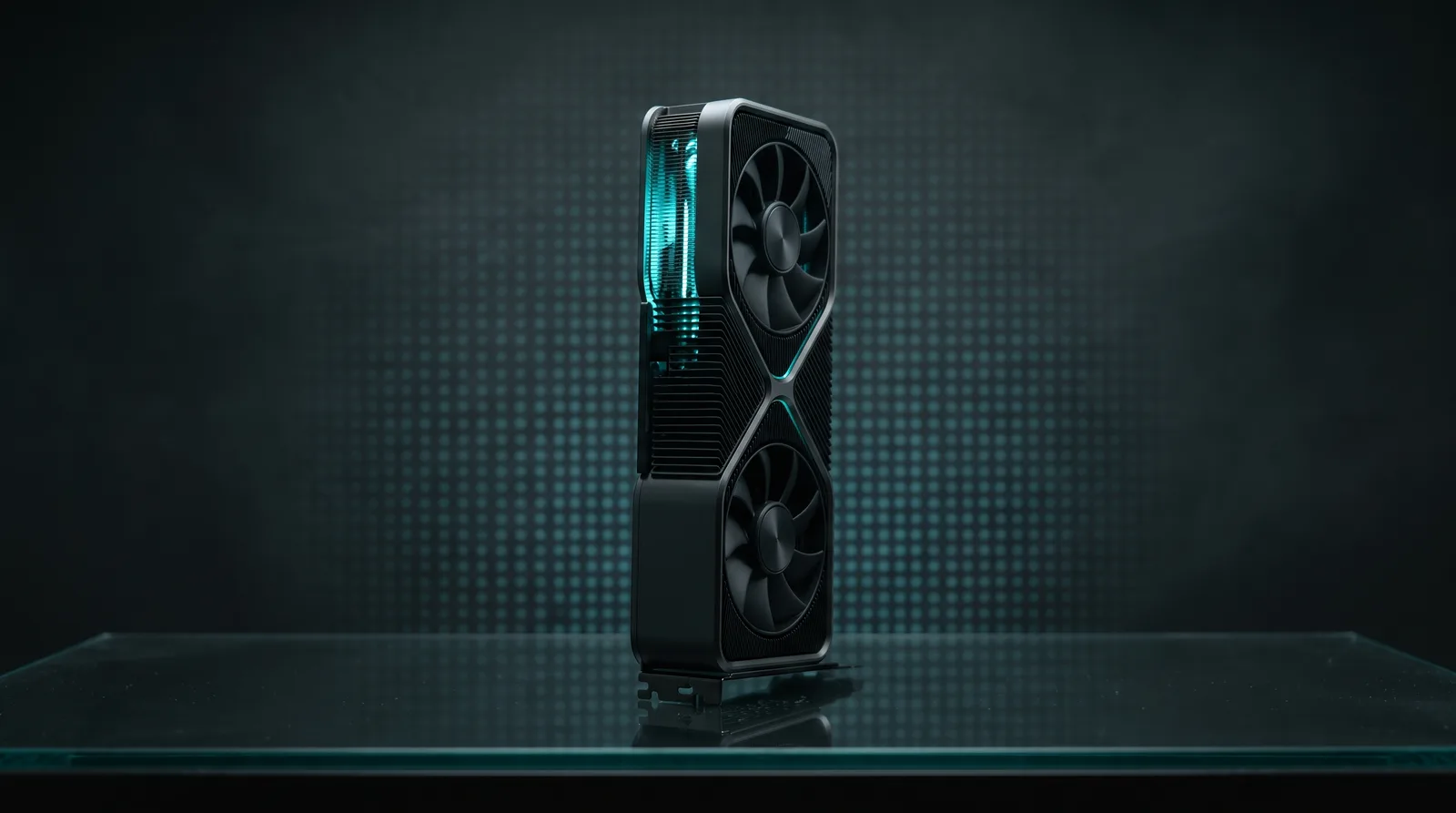
24GB is the most contested GPU memory tier, and it earns that reputation from both directions at once. An RTX 3090, RTX 4090, or RX 7900 XTX can run genuine 27B-32B dense models fully in VRAM, and 20B-class mixture-of-experts models with room to spare, which puts real capability within reach of a single consumer card. It is also the tier where bad recommendations hurt most, because a 35B MoE will load and then run slower, with expert weights spilling into system RAM. The speeds below are ModelFit engine estimates re-run on October 22, 2026, and the picks are sized to fit cleanly, not to load at any cost.
TL;DR: On 24GB, GPT-OSS 20B is the daily driver (~169 tok/s est. on a 4090). Qwen 3.8 27B is the dense quality pick (~51 tok/s est.). Gemma 4 26B-A4B is the fast MoE (~168 tok/s est.). Skip Qwen 3.6 35B-A3B on a single 24GB card: it fits on paper and disappoints in practice.
What does 24GB actually buy you?
After the OS and a browser, an RTX 4090 gives you about 21-22 GB of usable VRAM. That is enough for a 27B dense model at Q4_K_M with context, or a 21B MoE with generous headroom. It is not enough for a 70B at any usable quant, however, and it is marginal for the 35B-A3B MoE class.
The MoE distinction matters more at this tier than anywhere else on the market. A 26B-A4B or 21B MoE decodes at the speed of its 4B active path, while a dense 27B reads all of its weights on every token, so on identical hardware the MoE is roughly three times as fast. In fact, this is the tier where the architecture choice matters more than the brand, the benchmark chart, or the release date: pick the architecture first and the model second.
Which models rank best on 24GB?
Speeds are ModelFit estimates fitted on measured runs, not ModelFit benchmarks, for an RTX 4090 (24GB, 1008 GB/s), labeled est. Typical error is 5% to 15% depending on the model.
| Rank | Model | Type | Loaded | Est. tok/s | Best for |
|---|---|---|---|---|---|
| 1 | GPT-OSS 20B | MoE 21B (3.6B active) | about 14 GB | ~169 est. | Chat, coding, reasoning |
| 2 | Gemma 4 26B-A4B | MoE 26B (4B active) | 16 GB | ~168 est. | Multimodal, speed |
| 3 | Qwen 3.8 27B | Dense 27B | about 16-17 GB | ~51 est. | Coding, agents, vision |
| 4 | Mistral Small 22B | Dense 22B | 17 GB | ~61 est. | Coding, quality |
| 5 | Gemma 4 31B | Dense 31B | 20 GB | ~41 est. | Maximum dense quality |
| 6 | Qwen 3 14B | Dense 14B | 11 GB | ~83 est. | Fast daily use |
Get told when a better model fits your RTX 4090
One email when a new open-weight model is a better fit for your machine, plus the Thursday weekly.
For: RTX 4090
You'll also get the weekly ModelFit email. By signing up you agree to our Privacy Policy. Unsubscribe from either email anytime, in one click.
The Three Real Choices
GPT-OSS 20B: the default
At about 14 GB in native MXFP4, it leaves the most context headroom of any pick here, which is what makes it the default rather than merely the fastest. The 3.6B active path makes it feel like a 4B model at ~169 tok/s est. on a 4090, yet the reasoning quality sits well above its size class, so you stop thinking about the model and just work. See the full GPT-OSS 20B requirements guide and the GPT-OSS 20B model page.
Qwen 3.8 27B: the dense quality pick
The strongest dense coder we track at this size, with weights matching the official builds on Qwen's Hugging Face org. about 16-17 GB fits a 4090 with context to spare. At ~51 tok/s est. it is slower than the MoE picks, but it is the model to reach for when the task is genuinely hard and you want dense-model predictability. Full breakdown on the Qwen 3.8 27B model page and its best-hardware page.
Gemma 4 26B-A4B: the fast MoE
The best balance for multimodal work: 16 GB, ~168 tok/s est., text and image, with slightly more memory than GPT-OSS 20B for comparable speed. For example, it handles a screenshot-plus-prompt workflow that the text-only picks cannot. See the 26B-A4B model page.
How do you choose between the top three?
The ranked table compresses a decision that really depends on your workload, so here is the uncompressed version. If your days are chat, summarization, and agent loops with tool calls, GPT-OSS 20B's combination of speed and headroom wins almost by default. If your prompts include images (screenshots, charts, photos of whiteboards), Gemma 4 26B-A4B is the only multimodal pick at the top and the extra memory is the price of that. If your work is long, hard coding sessions where a wrong turn costs you an hour, the dense predictability of Qwen 3.8 27B is worth the slower tokens.
There is no wrong answer among the three, but there is a wrong order: deciding on the model before deciding on the workload. On every 24GB card and 24GB Mac in the catalog, the engine's speed estimates keep these three in the same order (GPT-OSS 20B, then Gemma 4 26B-A4B, then Qwen 3.8 27B); what changes is which column of the table matters to you.
What is the 35B-A3B trap?
Qwen 3.6 35B-A3B (22 GB at Q4) appears to fit 24GB. It loads. Then the expert weights exceed the roughly 21-22 GB of usable VRAM and land in system RAM, so the engine rates it a Heavy fit with a slow verdict on an RTX 4090, and latency turns inconsistent. On an RTX 5090 32GB the same model runs at ~346 tok/s est. fully resident. We compared both configurations in the engine, and the difference is the whole argument: if you want 35B-A3B, buy the 32GB card. On 24GB, the smaller MoE or a dense 27B is the honest pick.
What is the 24GB Mac equivalent?
A Mac Mini M6 24GB or MacBook Pro with 24GB unified memory maps closely to this tier. On the Mac Mini, GPT-OSS 20B runs at ~38 tok/s est., Qwen 3.8 27B at ~10 tok/s est., Gemma 4 26B-A4B at ~38 tok/s est. Unified memory is slower than GDDR6X per byte; that said, the 24GB Mac runs the same models as the 24GB GPU, which the 16GB tier below it cannot.
For a card we did not cover here, the VRAM calculator runs the same math on any VRAM amount, and the GPU VRAM calculator answers card by card.
FAQ
Can 24GB run a 70B model?
No, not at a quant worth using: a 70B at Q4_K_M is about 42 GB, and even a Q2 build is around 26 GB with quality that collapses under it. Llama 3.3 70B needs 64GB unified memory on a Mac or a 48GB+ GPU, so on 24GB, stop at 32B dense.
Is the RTX 3090 still worth it for 24GB?
Yes, and it is the value pick: same 24GB capacity as a 4090, running roughly 12% slower on these models at ~148 tok/s est. for GPT-OSS 20B versus ~169. If you find one used at a good price, it runs everything on this list.
Should I buy 24GB or 32GB?
If you want 35B-A3B MoE models, 32GB (RTX 5090) is the meaningful step up; if 27B dense and 20B-class MoE cover your needs, 24GB is enough.
Why do some sites say 24GB runs 70B?
They count CPU offload as "running": a 70B at ~2 tok/s est. on a 4090 is technically loaded and practically unusable. Our threshold for a recommendation is interactive speed, not just fitting in a listing.
Sizes and speeds in this guide come from the ModelFit engine, re-run on October 22, 2026, and are labeled est. How we work: about ModelFit. Disagree with a ranking? Contact us.
Don't miss the next one for your RTX 4090
This article covers one moment. Get one email when a newer open-weight model fits your machine better, plus the Thursday weekly with what changed.
For: RTX 4090
You'll also get the weekly ModelFit email. By signing up you agree to our Privacy Policy. Unsubscribe from either email anytime, in one click.
Match this model to a machine that can run it: by RAM tier for Apple Silicon, or by VRAM for an NVIDIA GPU.
See how this changes your recommendation
Run the wizardHave questions? Reach out on X/Twitter