5>CLI agent· 11 local models ranked

Best Local LLMs for Codex CLI

OpenAI's coding agent, driven by a local model via its built-in Ollama provider

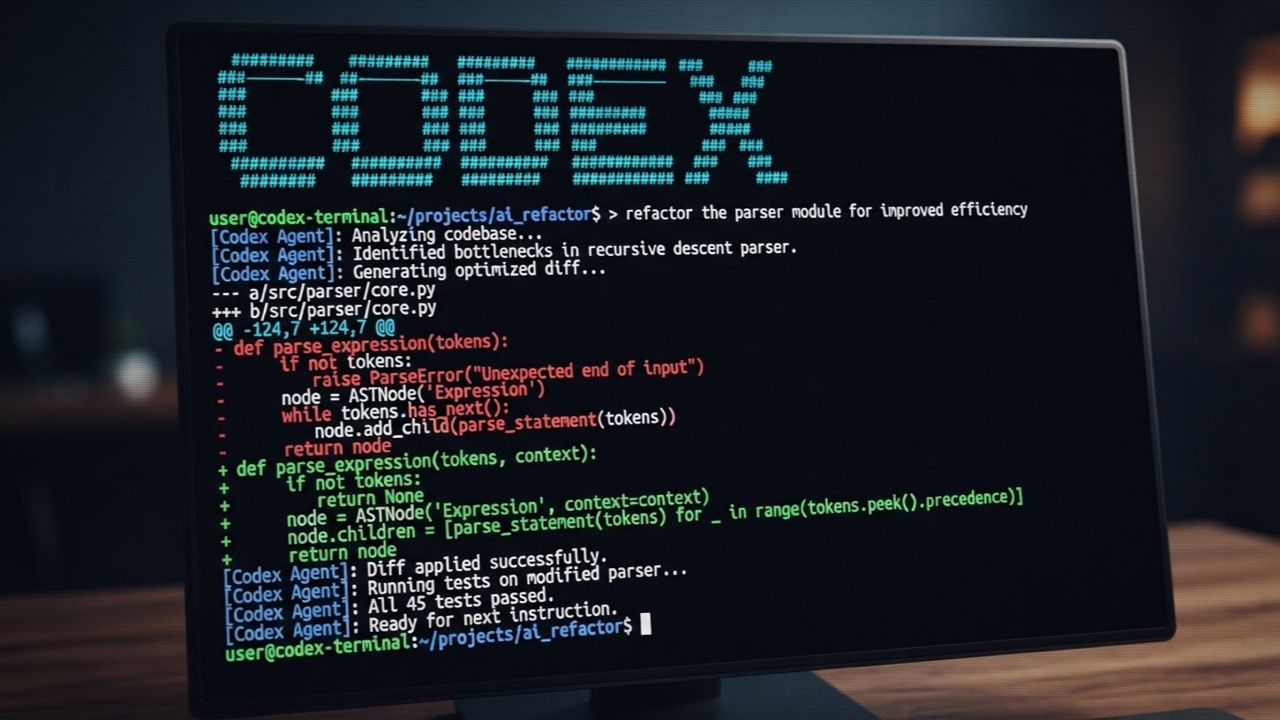
Codex CLI is OpenAI's agentic terminal coder. Out of the box it talks to the GPT-5 family, but the CLI ships with Ollama and LM Studio as first-class open-source providers (built into the openai/codex repo), so you can point it at a local model through config.toml and get the same terminal agent loop without an OpenAI account. Codex drives the modern Responses API, which Ollama exposes at /v1/responses, making local tool-calling work end to end. This page ranks the open-weight models that hold up in Codex's tool-call-heavy loop.
Codex: ModelFit

Best pick

Qwen3.6 35B-A3B

Agent-tuned MoE with the strongest open-weight tool-calling here; 100K+ context, runs on a 24GB Mac.

What Codex needs

Reliable structured tool-calling over long sessions, plus the context window set high enough to hold the growing agent loop. A model that mangles tool_calls breaks Codex no matter how good its code is.

Codex Local LLM Tier List

SS: Best in class
Qwen3.6 35B-A3B35B· 32GB RAM

Agent-tuned MoE with the strongest open-weight tool-calling here; 100K+ context, runs on a 24GB Mac.

Qwen3.5 35B-A3B Instruct35B· 32GB RAM

Proven agentic MoE with reliable tool calls; disables internal CoT so the agent drives reasoning.

AA: Strong, reliable
Qwen2.5 Coder 14B14B· 16GB RAM

Trained for tool use; the most dependable mid-size coding workhorse for a terminal agent CLI.

Gemma 4 31B31B· 32GB RAM

Low tool-call error rates in agentic testing; run with thinking off.

Qwen3 30B30B· 32GB RAM

Capable agentic MoE; reliable tool calls and 256K context for repo-scale work.

BB: Usable with caveats
LFM2 24B-A2B Instruct24B· 24GB RAM

Liquid's tool-dispatch MoE, efficient on-device agent, fits ~14.5GB; lighter coding depth.

Qwen2.5 Coder 7B7B· 8GB RAM

Solid 8GB fallback with real tool-use training; weaker on long multi-step chains.

Mistral Small 22B22B· 32GB RAM

Decent function calling, fits ~32GB Macs, but long tool sequences can hit format errors.

CC: Works, but not recommended
DeepSeek-R1 Distill Qwen 14B14B· 16GB RAM

Strong reasoning, but R1 distills drop tool calls into content instead of the tool_calls array.

Phi-4 14B14B· 24GB RAM

Lacks proper tool-calling; fine as a chat model, unreliable as an agent.

Qwen3.5 4B Instruct4B· 6GB RAM

Agent-tuned but too small to stay coherent across the long agentic loop.

Tiers weigh tool-calling reliability, context window, and coding quality for Codex specifically. A model can rank higher for one tool than another. RAM figures are for Q4 quantization. Sources are listed below.

Local setup notes

Install the Codex CLI and Ollama (both run locally; the CLI needs no OpenAI account for this path). Then set the provider and model in ~/.codex/config.toml — select the built-in `ollama` provider (it targets localhost:11434) and pick your model, e.g. `model = "qwen3.6:35b-a3b"`. Raise the context window well above Ollama's 4K default (16K minimum, 32K+ for the agentic loop) so the model can hold Codex's tool definitions.

Codex official site ↗

The weekly local-AI refresh

New open-weight models, real Apple Silicon benchmarks, and the one model worth running on your Mac this week. Free, one email a week, unsubscribe anytime.

By subscribing you agree to our Privacy Policy and to receive the weekly email. Unsubscribe anytime.

Frequently Asked Questions

Can Codex CLI run on a local model?+
Yes. The Codex CLI (openai/codex) ships Ollama and LM Studio as built-in open-source model providers, selected in ~/.codex/config.toml, and it speaks the Responses API that Ollama exposes at /v1/responses. No OpenAI account is required for the local path.
Which local model is best for Codex CLI?+
Qwen3.6 35B-A3B leads: agent-tuned tool-calling with 100K+ context, running on a 24GB Mac. Qwen3.5 35B-A3B is the proven agentic MoE alternative. On 16GB, Qwen2.5 Coder 14B is the dependable workhorse; on 8GB, the 7B.
Does Codex CLI need an OpenAI account for the local setup?+
No. The local path uses the built-in ollama provider pointed at localhost:11434, so no API key and no billing. The chat/completions API was deprecated by OpenAI in early 2026, which is why the Responses API — which Ollama also exposes — is the supported path for local tool-calling.

Sources

Other AI Coding Tools

Explore More

modelfit.io